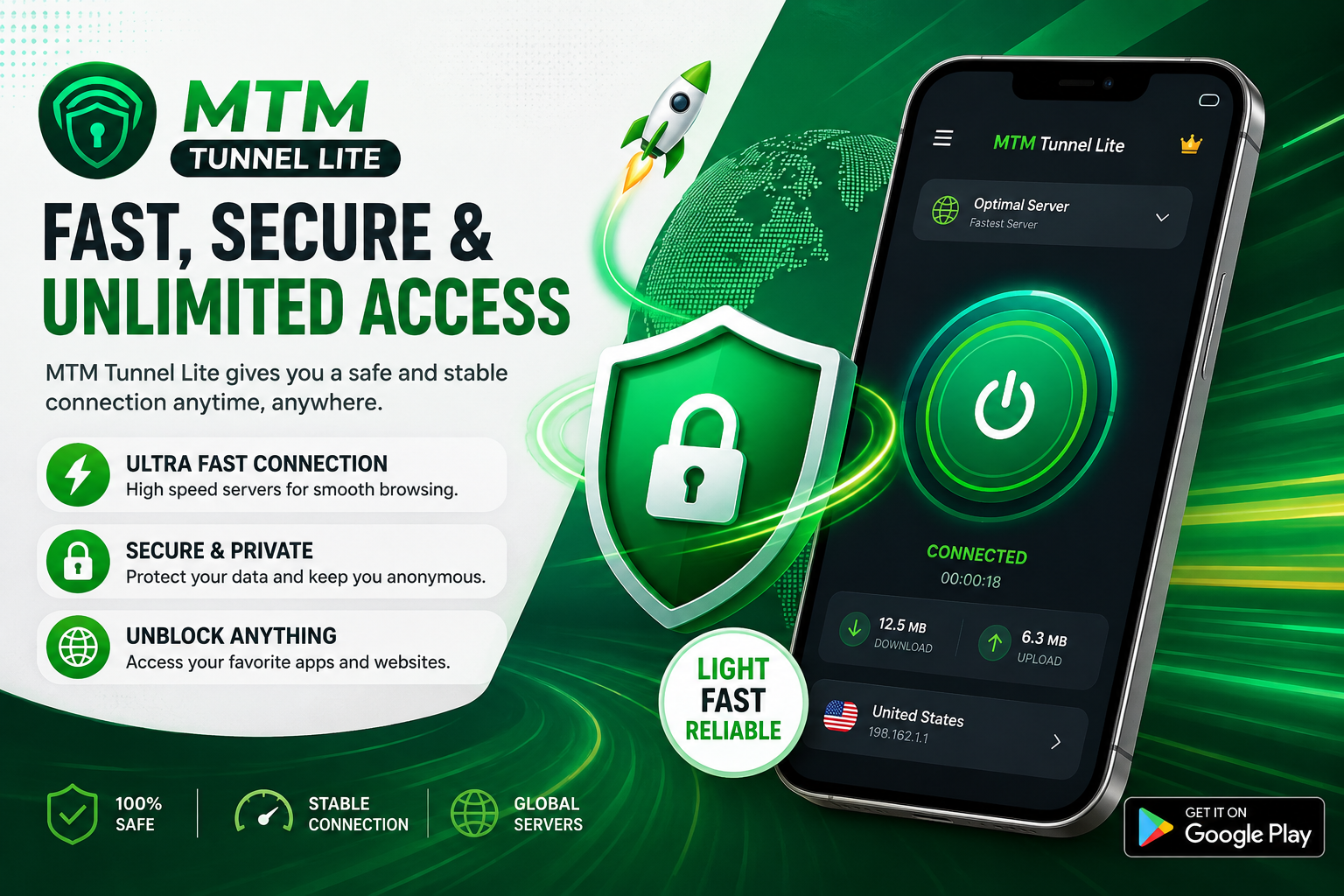
In today’s connected world, having reliable and private internet access has become increasingly important. VPN and proxy applications can help users route their internet traffic through remote servers while providing additional privacy and access options. MTM Tunnel Lite is an Android application designed around this idea, offering VPN/proxy connectivity, network configuration options, and a simple one-tap connection experience. According to its Google Play listing, the app has more than 10 million downloads and a rating of around 4.1 stars, showing that it has attracted a large user base.
What Is MTM Tunnel Lite?
MTM Tunnel Lite is developed by tmtunnel and is listed in the Tools category on Google Play. The developer describes it as a free VPN proxy designed to provide fast and stable connections while helping users protect their internet sessions. The application supports Wi-Fi as well as 3G, 4G, and 5G mobile connections, making it suitable for different types of Android users and network environments.
One of the main attractions of MTM Tunnel Lite is its straightforward approach to connecting. Instead of requiring users to understand complicated VPN configurations, the application promotes a one-tap connection experience. This can be particularly useful for people who want to establish a VPN connection without spending time configuring multiple technical settings. The app also includes network tweaks intended to work with different connection environments.
Privacy and Internet Protection
Privacy is another important reason people use VPN applications. MTM Tunnel Lite states that it helps protect an internet session by routing data through its servers and hiding the user’s real IP address from the web. This can provide an additional layer of privacy when browsing online. However, users should remember that a VPN does not make someone completely anonymous or automatically protect against every type of online threat.
The Google Play listing also states that data is encrypted in transit and that the developer reports no data collected and no data shared with third parties under its current Data Safety declaration. These declarations are provided by the developer and can change over time, so users should always review the latest information on the app’s Google Play page before installing or relying on it for sensitive activities.
Connectivity and Browsing Features
MTM Tunnel Lite is designed to work across several types of internet connections. Its Google Play description specifically mentions Wi-Fi and mobile networks, including 3G, 4G, and 5G. The app also advertises features such as unlimited bandwidth, faster streaming experiences, and access to websites that may be restricted by an internet service provider. Actual performance, however, can depend on the user’s country, network operator, server availability, and current network conditions.
Some of the features highlighted by the developer include:
- One-tap VPN connection
- Support for Wi-Fi, 3G, 4G, and 5G
- Network configuration tweaks
- Unlimited bandwidth according to the app description
- Access to websites restricted by an ISP
- Support for streaming-oriented use
- Regular configuration updates
- VPN/proxy-based IP masking
A Lightweight Option for Android Users
The “Lite” name reflects the application’s focus on providing VPN functionality without presenting users with an overly complicated interface. For someone who simply wants to open an app, choose an available connection, and connect, this straightforward design can be convenient. The app is also free to download, although Google Play indicates that it contains advertisements.
User feedback suggests that experiences can vary depending on location and network conditions. Some reviews praise the application for maintaining connections, while others report issues such as slow loading or connection difficulties. This is fairly common with VPN services because server availability and network compatibility can differ considerably between countries and mobile operators.
Updates and Network Compatibility
Keeping a VPN application updated can be important because network configurations and compatibility requirements change over time. The Google Play listing says that the app’s recent update addressed connection issues and updated its tweaks. The listing currently shows September 3, 2025 as the update date, so users should check Google Play for the latest available version before using the application.
MTM Tunnel Lite has also developed a large community around its configurations and network-related updates. Public posts associated with the MTM & TM Tunnel channel have shared configurations for different operators and countries, including references to Ethiopia and other markets. These third-party posts should be treated cautiously, because availability and legality of particular configurations can change and may depend on the terms of the relevant network provider.
Is MTM Tunnel Lite Worth Trying?
For Android users looking for a simple VPN/proxy application, MTM Tunnel Lite offers several attractive features. Its large installation base, simple connection process, support for multiple network types, and focus on privacy and accessibility make it an interesting option to consider. At the same time, VPN performance is never guaranteed to be identical for everyone, so users should evaluate connection speed, reliability, privacy information, and compatibility with their own network.
Overall, MTM Tunnel Lite is positioned as a lightweight and accessible VPN tool for everyday Android connectivity. It may be useful for browsing, protecting traffic on supported connections, and accessing online services where permitted. Before using any VPN for banking, confidential communications, or other sensitive activities, users should carefully review the provider’s privacy policy and understand what protection the service actually provides. The safest approach is to download the application from its official Google Play listing and keep it updated.