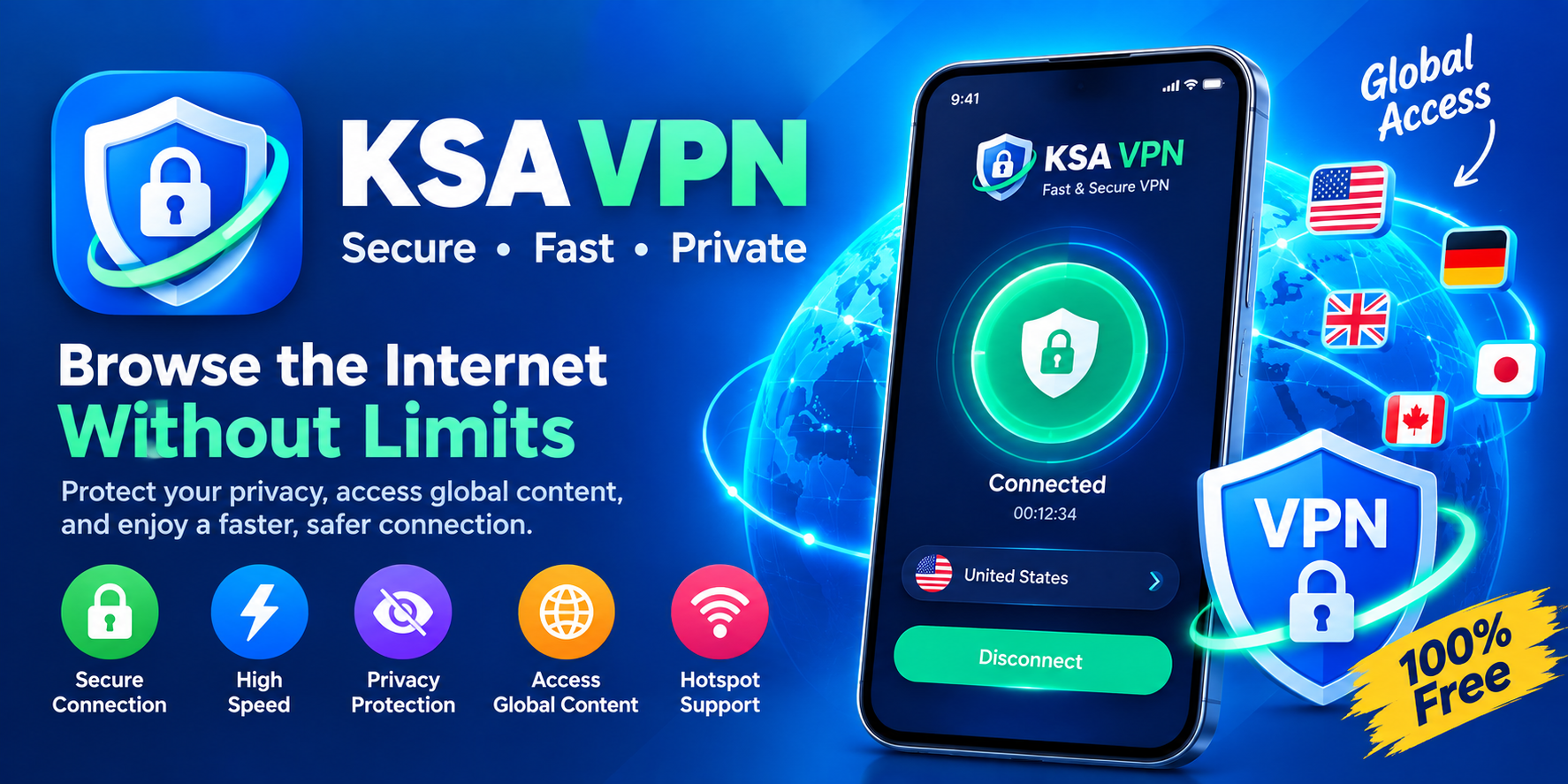
The app's Google Play description is packed with promises. It advertises priority servers for Saudi Arabia (KSA), a no-registration fast VPN, and one-click setup for a "fast and stable connection." It also claims no traffic limits, optimization for gaming with a "ping booster," and compatibility with WiFi, LTE, 3G, 4G, 5G, and all mobile carriers. On the technical side, it says it uses MS-SSTP technology—which is unusual, since most consumer VPNs lean on OpenVPN or WireGuard—and offers app filtering so you can route only specific apps through the tunnel . For a free tool aimed at a specific region, that's a lengthy feature sheet.
The core use case is clear enough. Saudi Arabia VPN is built to give you a KSA IP address without requiring an account, which makes it appealing for quick, situational tasks. The listing also claims it can bypass ISP lockdowns, school and office firewalls, and regional restrictions, and provide anonymous access to websites and apps . If your goal is simply to appear in Saudi Arabia for a few minutes to access a region-locked page or app, the app positions itself as a frictionless way to do exactly that.
However, the Data safety section on Google Play is where the picture gets murkier. The listing states that the app may share "Device or other IDs" with third parties, that it does not collect any data (a somewhat contradictory pairing that Google's framework allows), that data is encrypted in transit, and—critically—that data cannot be deleted . That last point matters. A VPN routes your traffic through someone else's server; when an app reserves the right to share device identifiers with third parties and offers no deletion path, it's fair to ask how much of a privacy tool it really is. The developer information points to NGUYEN THANH SANG in Ho Chi Minh City, Vietnam, with a contact email at mastervn.com —a detail worth noting if accountability and jurisdiction matter to you.
User sentiment on the Play Store is mixed but leans critical. The rating sits around 3.9 stars across roughly 3,490 reviews on the Japanese listing , and reviews surface a familiar pattern for free VPN apps: some users find it serviceable for light use, while others complain about high latency and an abundance of ads. One review from June 2025 put it bluntly: "开发者延迟太高,广告太多" ("The developer's latency is too high, too many ads"). For a tool you might rely on when you need a KSA endpoint in a hurry, inconsistent speed and ad interruptions are exactly the kind of friction that undermines the "one-click" promise.
A few practical considerations if you decide to try it:
- Treat it as a situational tool, not an always-on privacy layer. Use it for short sessions when you specifically need a Saudi IP or a quick public-Wi-Fi shield, not as your daily VPN.
- Read the Data safety page yourself before installing. The "shared with third parties" and "cannot be deleted" flags are the two lines that deserve the most weight.
- Expect ads and variable speed. Free VPN servers get crowded; if the KSA node is slow, the experience may not match the "ping booster" marketing.
- Don't use it for sensitive logins. Banking, work email, or anything you wouldn't want intercepted does not belong on a free VPN with third-party data-sharing clauses.
Ultimately, Saudi Arabia VPN is a textbook example of the free-VPN trade-off. You get a no-registration KSA endpoint and unlimited traffic without paying a subscription, but the cost may show up in ads, vague data practices, and performance that varies wildly by the hour. It's not malicious, and it's not a premium privacy product—it's a convenience tool with clear limits. Knowing those limits before you tap "Connect" is the most important step you can take.